Learn to touch type with a course that stays free
Step-by-step lessons for every key, a speed test that times you fairly, and drills built from your own mistakes. For Windows and Android.
12 free lessons · 60 short drills · no account, no trial that runs out
"I just wanted to learn to type. Why is it so hard to find a fair tutor?"
What people say about typing tutors in store reviews.
"Free for seven days, then it wants money." The course stops halfway, and the next step is a monthly plan for a skill you'll have in a few weeks.
"It asked me to pay but wouldn't say how much." And when it lost my progress after a restart, I had to start the lessons again.
"The speed test started before I typed." Clicking into the box ate my first seconds, and the sample sentences had mistakes I kept fixing out of habit.
Keystride fixes the parts that made you quit
Free means free
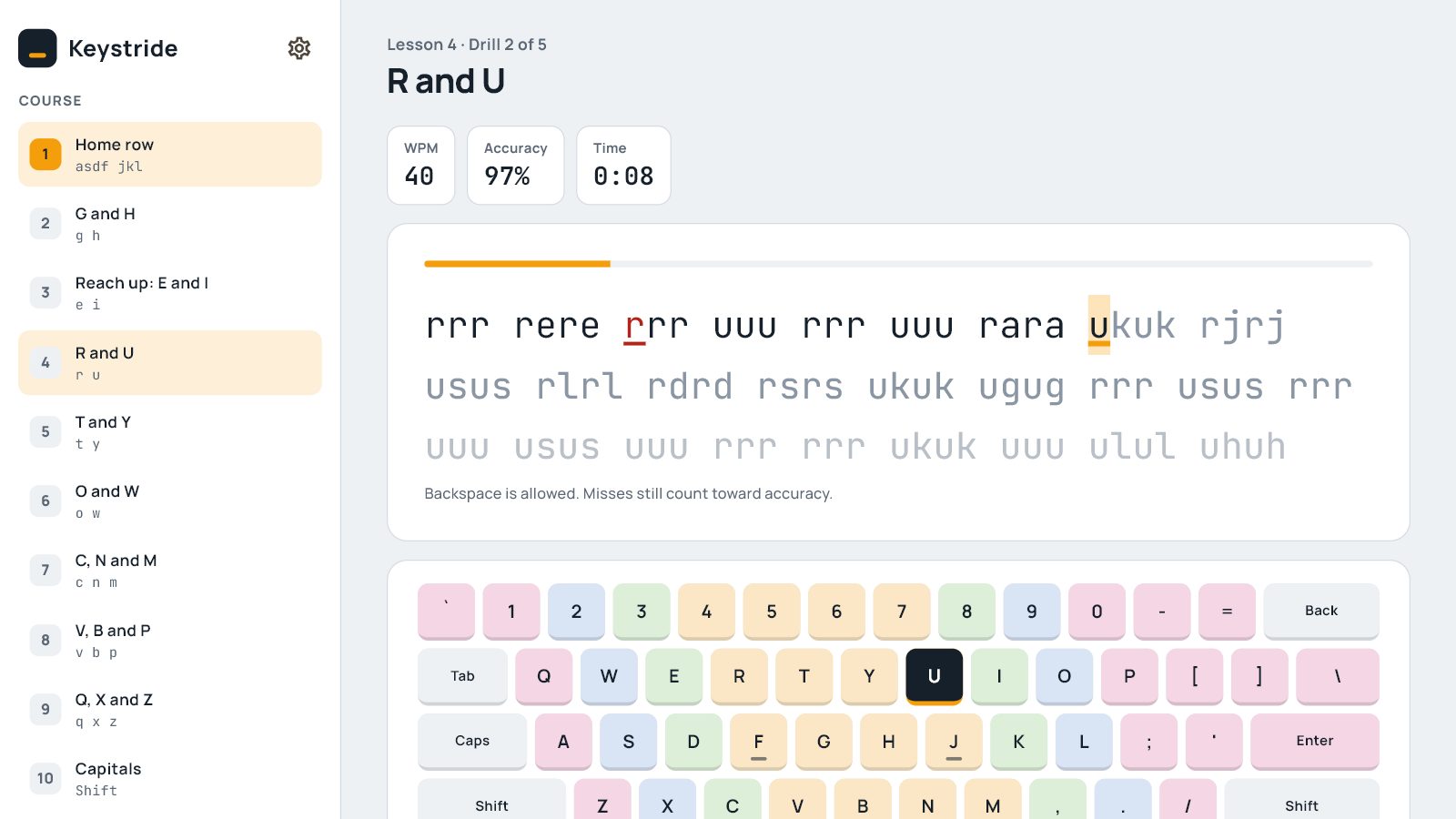
The beginner course covers every letter, capitals, punctuation and numbers, and it never expires. The on-screen keyboard shows which finger takes each key.
Pro is priced on the button: $19 once, not $4.90 a month.
A test you can trust
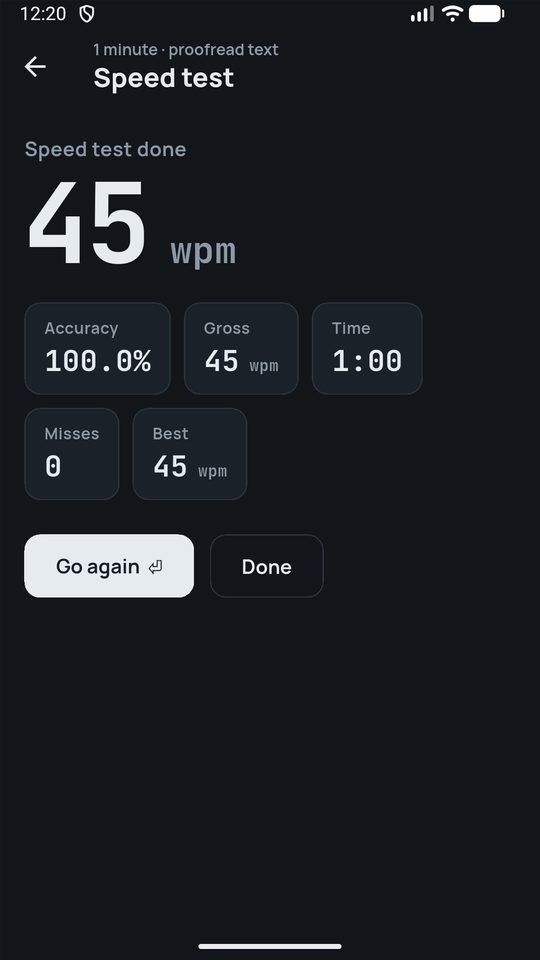
The clock starts on your first key and stops on your last, so the number is your speed, not your mouse. Every passage is proofread English: plain sentences, normal punctuation.
Net and gross words per minute, accuracy and misses after every run.
Practice that finds your weak spots
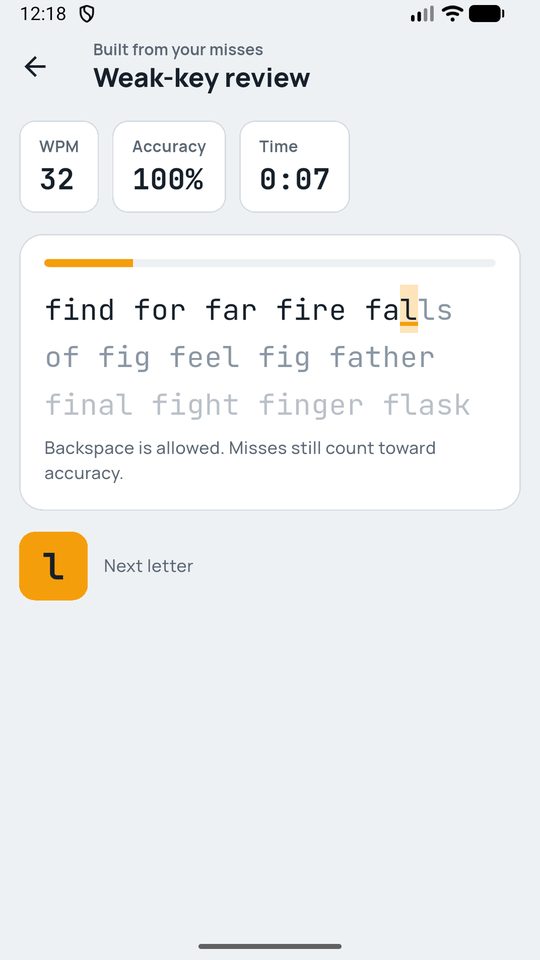
Keystride counts every miss per key and builds a drill from the letters you get wrong most. You spend your few minutes where they help, not on keys you already know.
Progress is saved on your device after every drill.
See it in 30 seconds
From install to your first drill in two minutes
Install it
Free from the Microsoft Store or Google Play. No account, no email.
Rest on the home row
Feel the bumps on F and J; the keyboard guide shows which finger takes each key.
Pass a drill
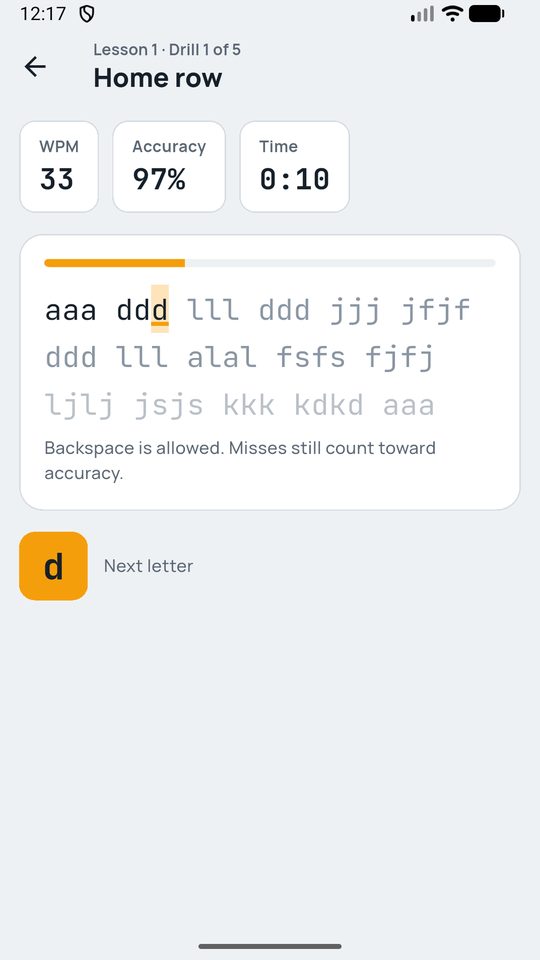
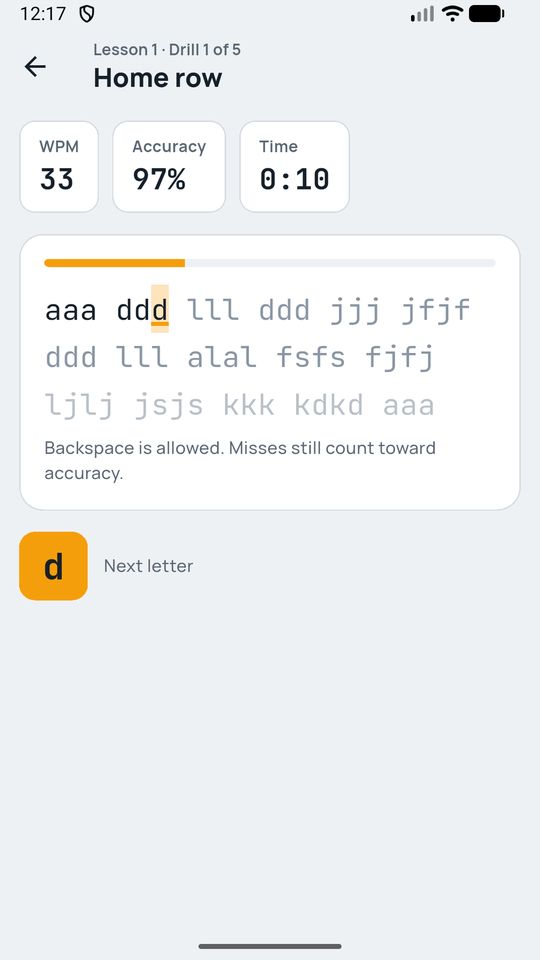
Five short drills per lesson; 90% accuracy moves you on.
Check your speed
Take the 1-minute test whenever you like and watch your best score climb.
Pricing
Free
- Full beginner course: every letter, capitals, punctuation, numbers
- Unlimited speed tests and sprints
- Light and dark themes, works offline
Free on Windows. Free with ads on Android, shown only between drills.
Pro for Windows
- Symbols and code lessons
- Weak-key review from your misses
- Practise on your own text
- Stats history, key heatmap, printable certificate
Family: $29 once for 5 computers. Choose it at checkout.
$19 once costs less than four months of a $4.90 monthly typing plan, and it's yours for good. On Android the extras unlock for the day with one short video.
Questions
Is the course really free?
Yes. All 12 beginner lessons and the speed test are free with no time limit. On Windows, Pro adds advanced drills; on Android it's free with ads between drills, never while you type.
Can I learn on my phone?
Yes. Keystride uses your phone's own keyboard and turns off suggestions and autocorrect while you practise, so every word is really yours. On Windows, the finger-coloured keyboard guide shows which finger takes each key.
How long until I'm faster?
That depends on you, so we won't promise a number. Short daily drills work best: each takes about two minutes, and a streak and an optional evening reminder help you keep going.
What do you do with my typing?
Nothing leaves your device: lessons, results and stats are saved locally. Windows Pro checks your licence key with Lemon Squeezy, and the Android app shows ads through Google AdMob; the privacy policy lists exactly what each sends.
What happens when I get a new computer?
Use "Free this seat" in Settings and activate the same key on the new PC. A Pro key works on 2 computers; Family works on 5.